
Case study
Foo
Your kitchen. Organized.
A kitchen assistant that connects recipes, pantry inventory, and shopping lists — so home cooks spend less time planning and more time at the stove. Smart lists, expiry alerts, and cooking stats built into one native app.
The challenge
Cooking apps are fragmented. Kitchens aren't.
Most recipe apps stop at the recipe. Pantry apps stop at the inventory. Shopping list apps don't know what you're planning to cook. Real kitchens need all three connected — otherwise you're copying ingredients by hand and throwing away food you forgot you had.
Foo was designed around one workflow: pick a recipe, see what you already have, auto-generate what's missing, and track what goes bad before you waste it.
The solution
One app for the full kitchen loop.
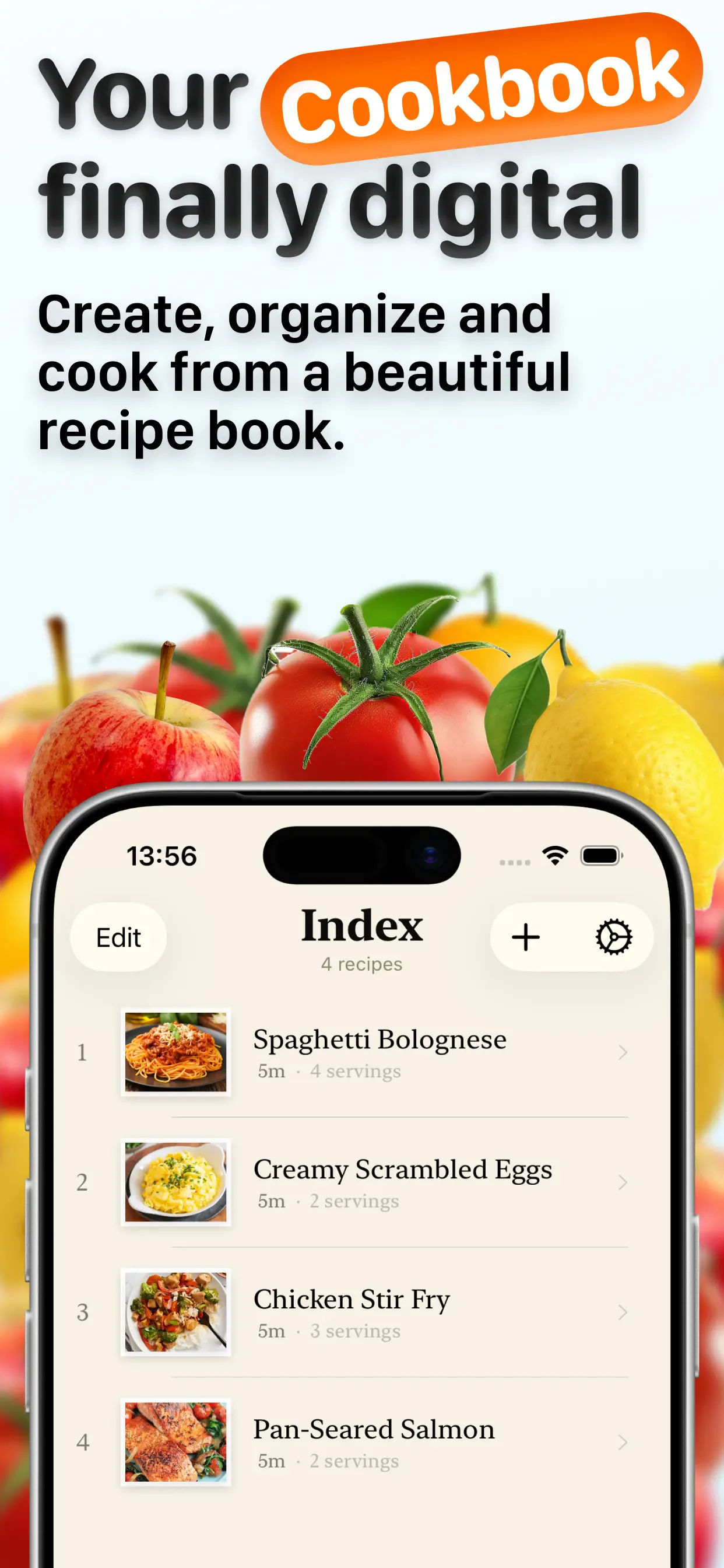
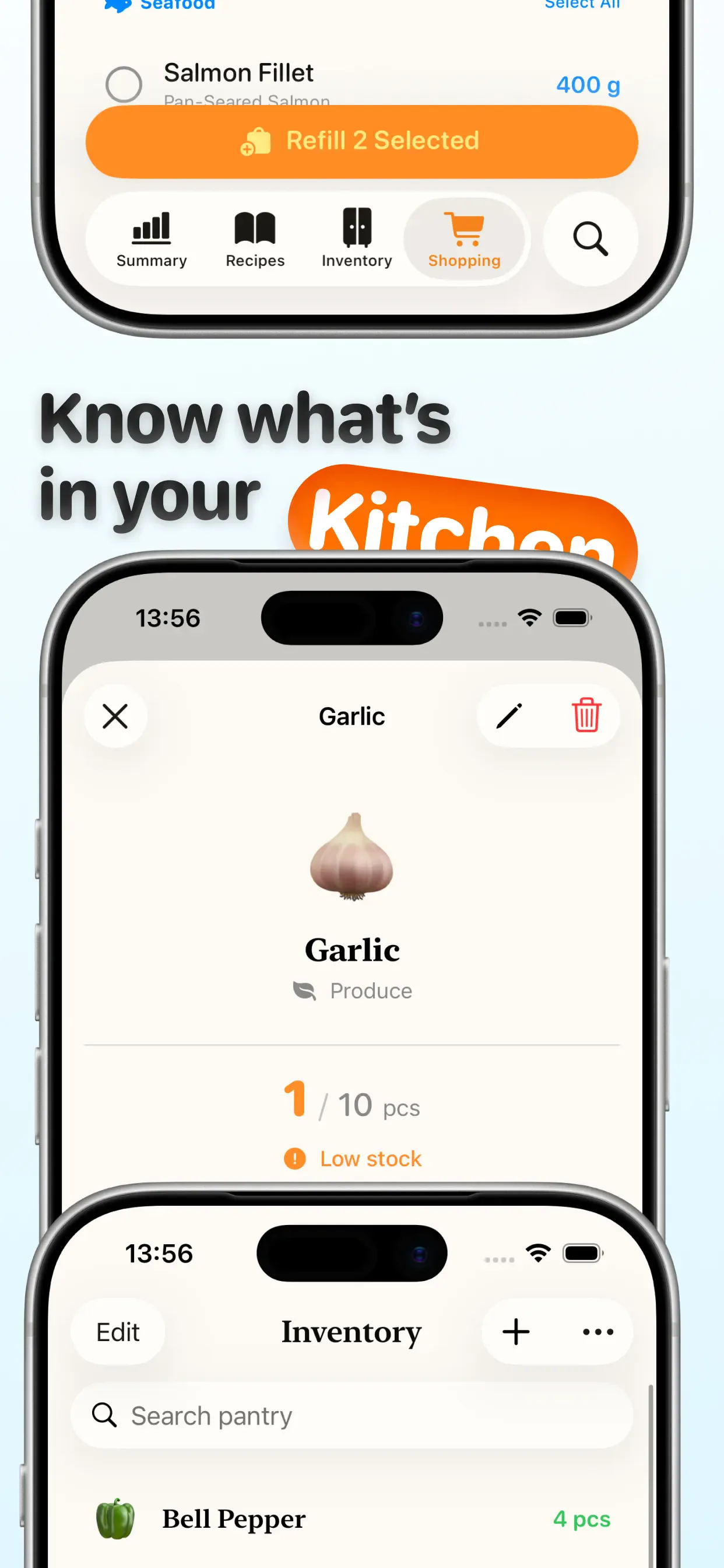
Recipes feed directly into shopping lists. Pantry items link to expiry dates and usage stats. Everything syncs so the app reflects what's actually in your kitchen — not a static cookbook.
- Smart shopping lists generated from recipe ingredients
- Pantry tracking with expiry alerts before food goes bad
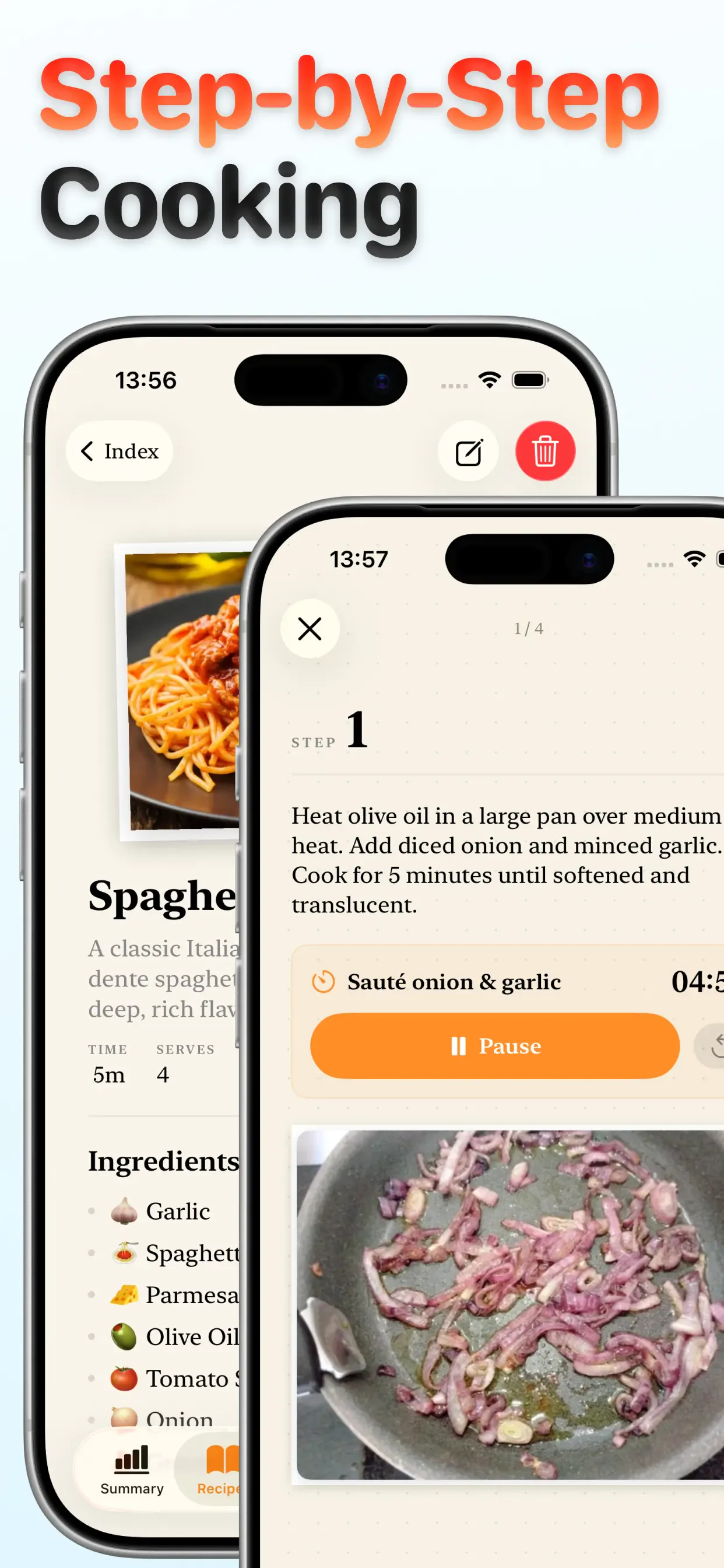
- Detailed recipe views with step-by-step cooking mode
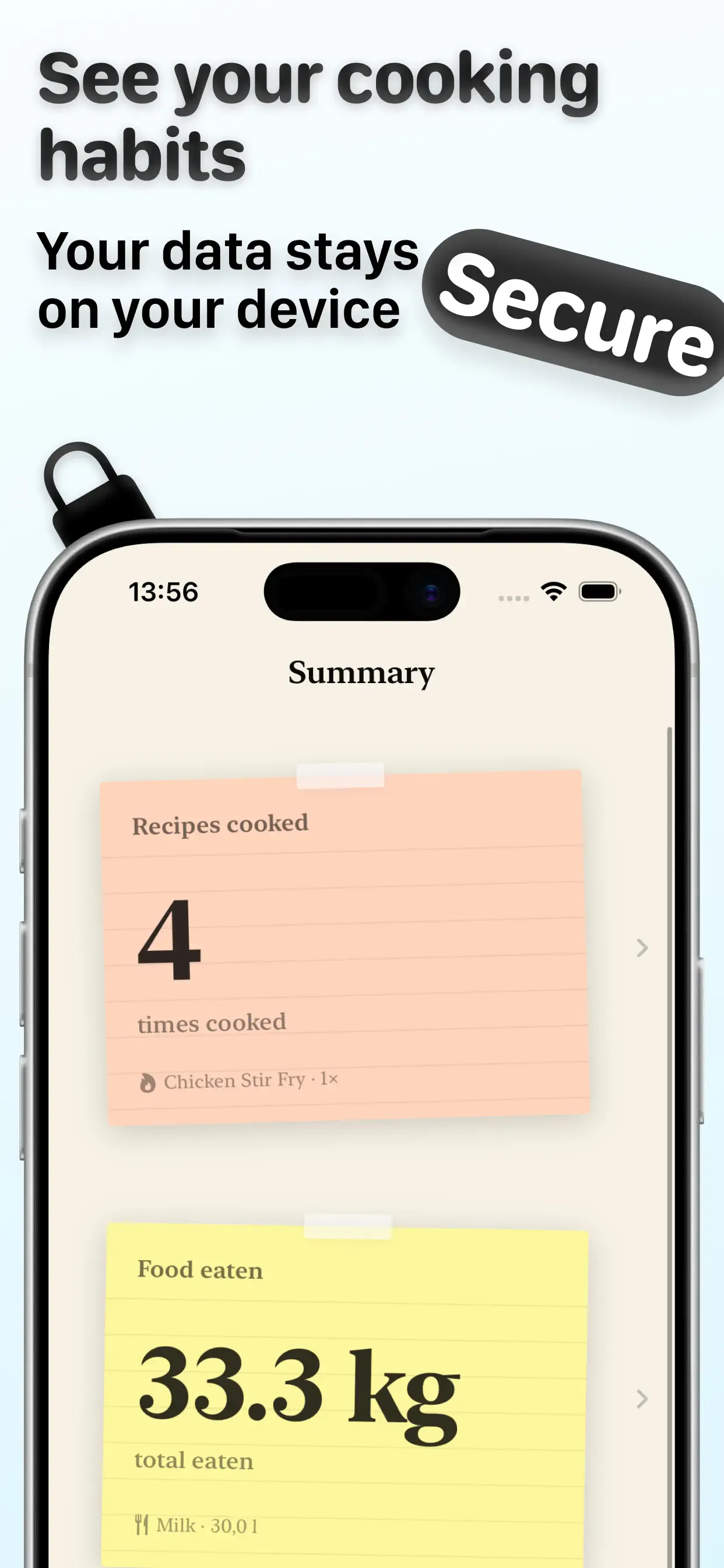
- Cooking stats and food waste insights over time
- Clean, native UI designed for quick use while cooking
Screenshots
App Store screenshots.
Outcome
A utility app people open every week.
Foo is available at foo-recipes.com. Unlike single-purpose recipe apps, it earns retention by solving the boring parts of cooking — planning, shopping, and waste — not just the fun part.
Building Foo taught me how to design data models that stay simple for users but flexible enough to connect recipes, inventory, and lists without feeling like spreadsheet software.