
Case study
yPrompt
Read with confidence. Every time.
A professional teleprompter for creators, speakers, and broadcasters — built natively for iPhone, iPad, Mac, and Apple Watch. Five scroll modes, a floating window for direct-to-lens delivery, and Apple Watch remote control.
The challenge
Creators need to look at the camera, not a script.
Most teleprompter apps treat scrolling as an afterthought. Creators filming YouTube videos, hosting podcasts, or presenting on stage need something that disappears into the workflow — fast setup, reliable scroll, and controls that work when your hands are busy.
The goal with yPrompt was to build a teleprompter that feels like a native Apple app: minimal UI, platform-specific features, and scroll modes that adapt to how people actually record.
The solution
Five scroll modes. Every platform.
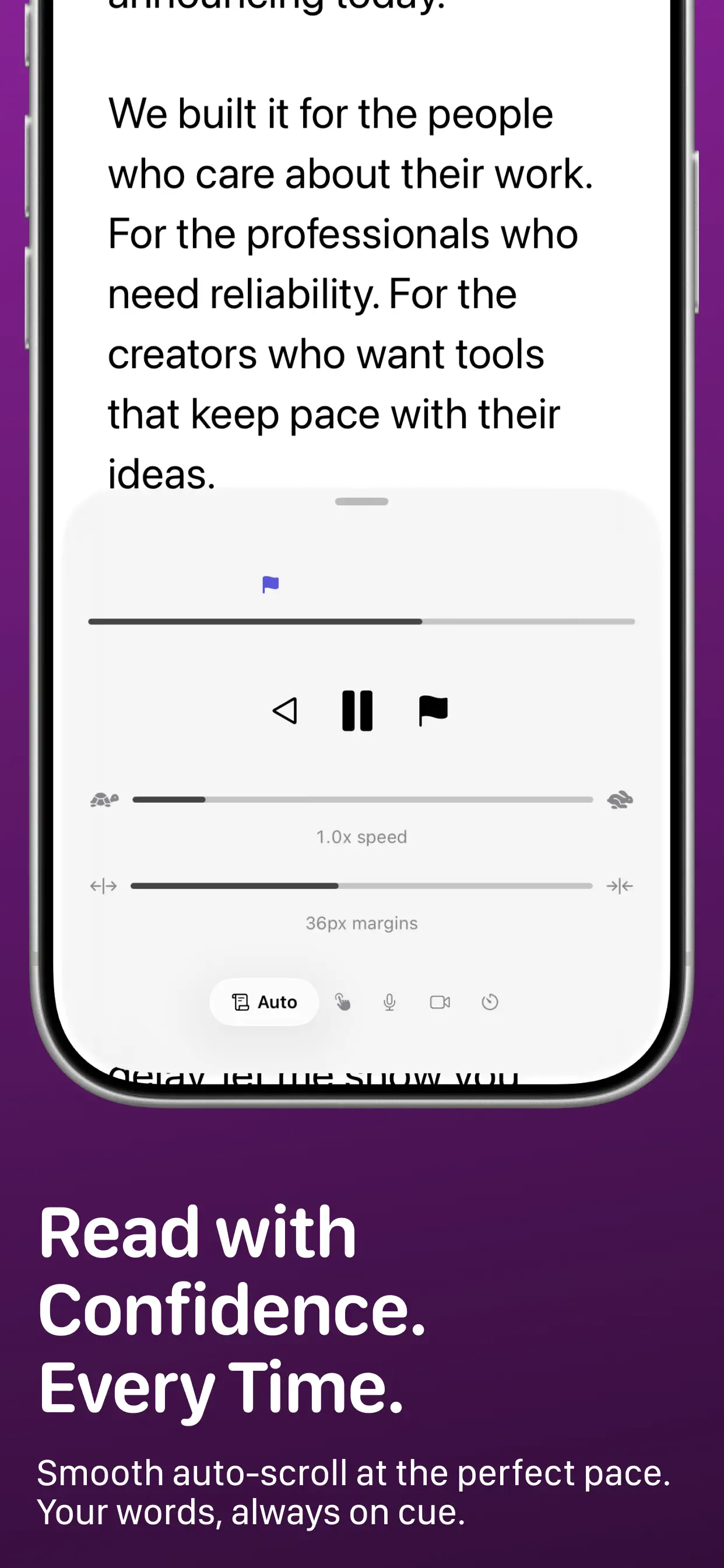
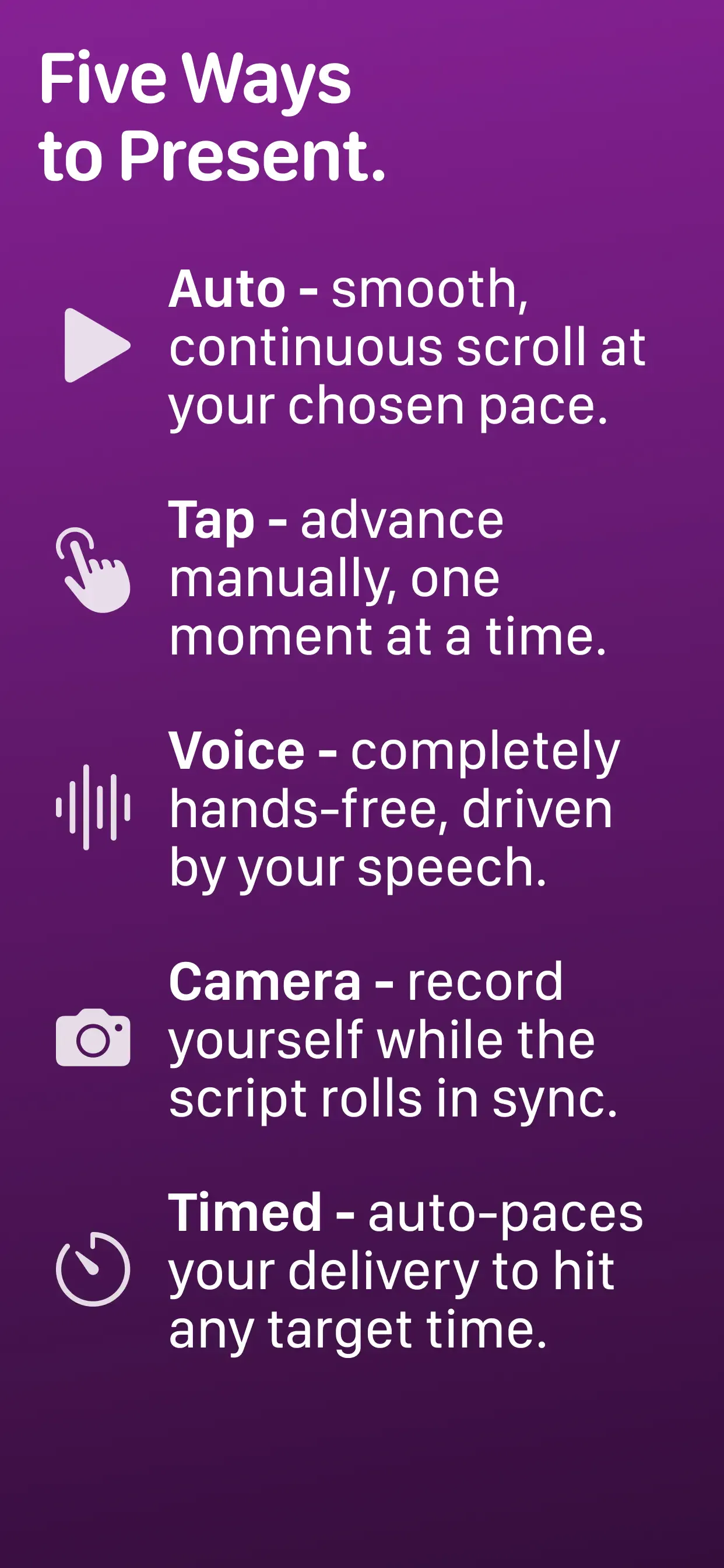
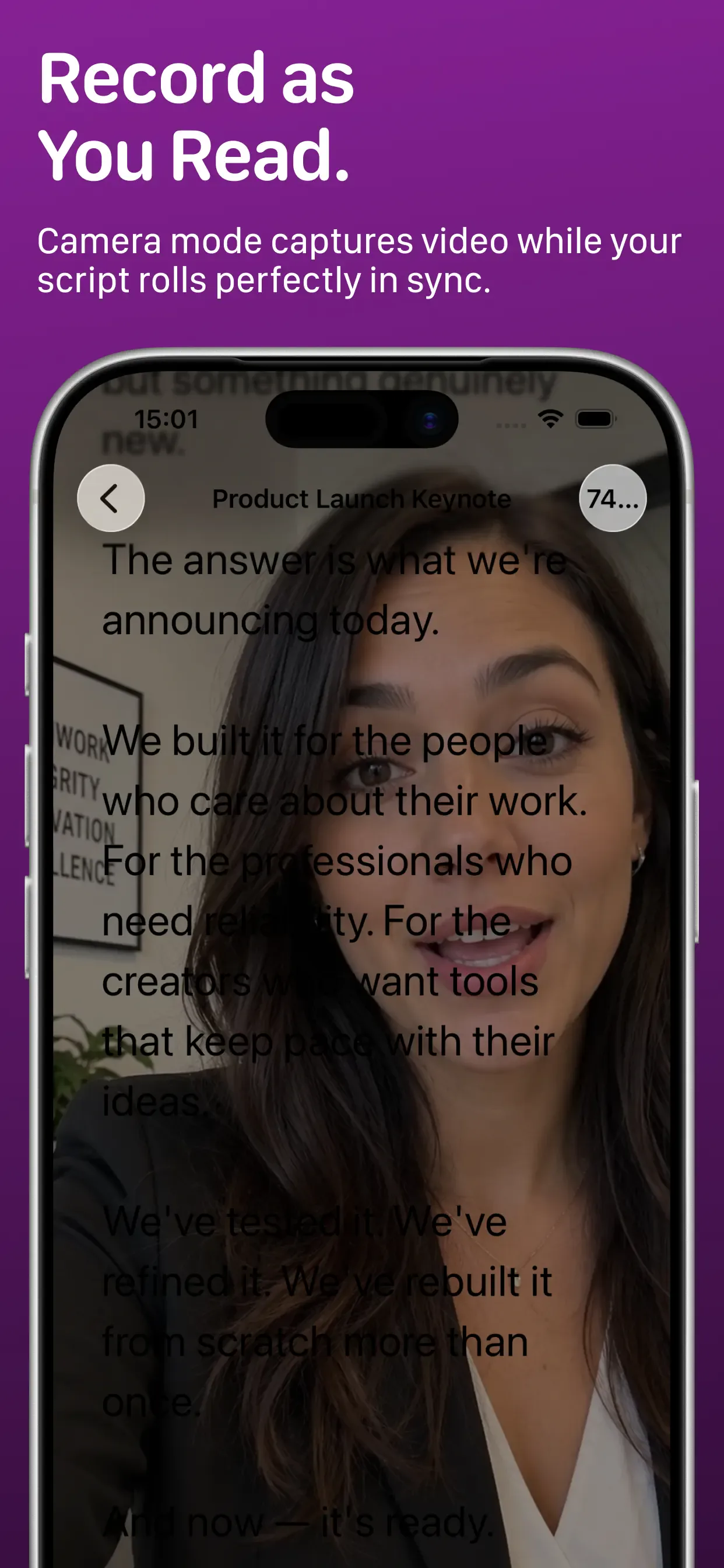
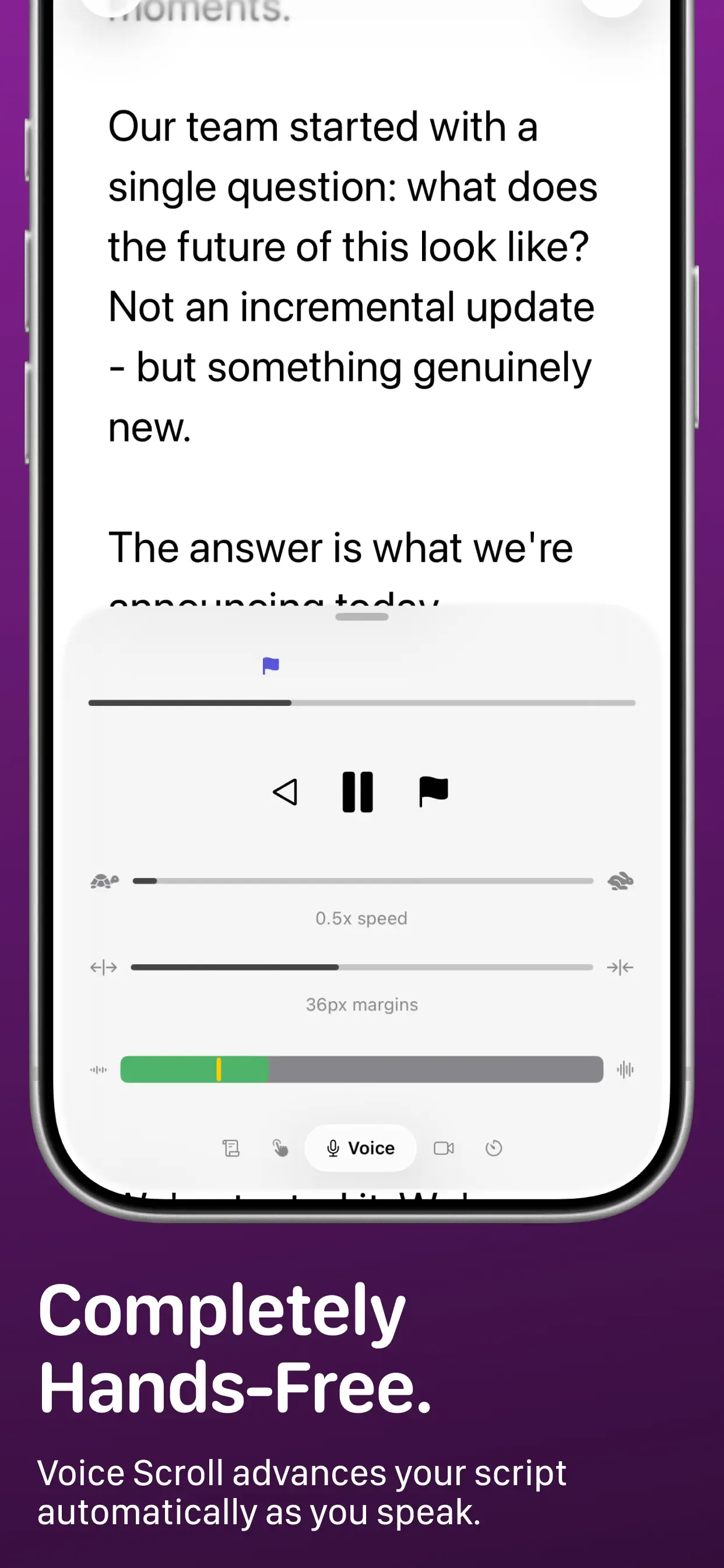
yPrompt ships with manual, timed, voice-activated, and camera-based scroll modes — plus a floating window on Mac for direct-to-lens delivery without looking away from the camera.
- Voice scroll that follows your pace while you speak
- Floating window for Mac — script beside your camera feed
- Apple Watch remote to control scroll from your wrist
- Cross-device sync so scripts are ready on every device
- Clean, distraction-free UI following Apple HIG
Screenshots
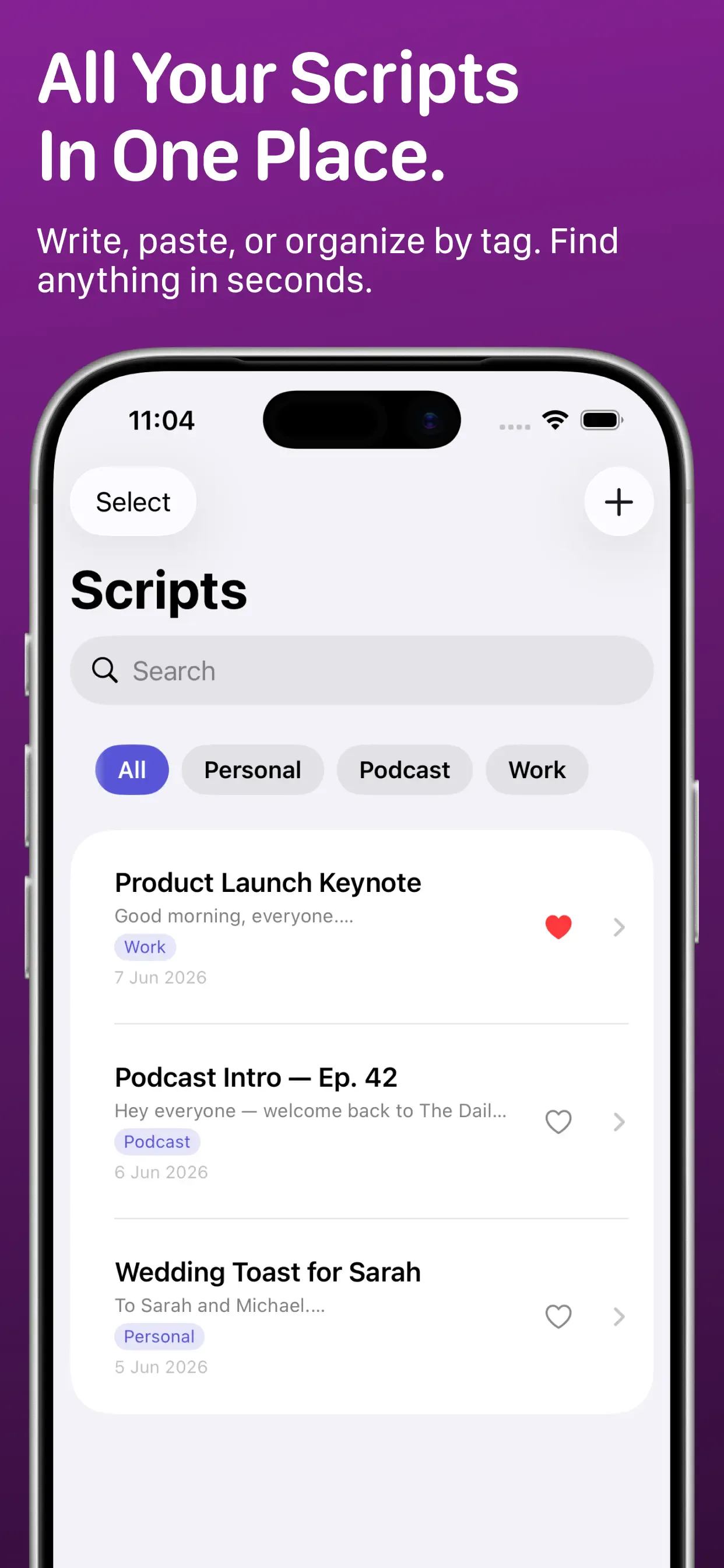
App Store screenshots.
Outcome
Shipped and live on the App Store.
yPrompt is available at yprompt.app across the Apple ecosystem. The app targets a clear niche — professional teleprompter for creators — with features competitors rarely combine in one native package.
Building yPrompt reinforced a pattern I use on client projects: pick one user workflow, nail the core interaction, then expand platform support. Voice scroll plus Watch remote control turned a utility app into something creators reach for every recording session.